Spam filter for BT Mail inbox - stop junk mail effectively
Clean up your BT Mail inbox on iPhone, Android, Outlook, and webmail — no email address change needed.
Also known as BT Yahoo Mail, btinternet email.
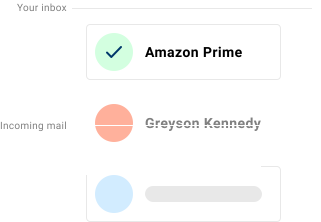
If your BT Mail inbox is filling up with junk mail, phishing attempts, and unwanted marketing email, Spamdrain adds an extra filtering layer and removes unwanted messages quickly as they arrive.
BT Mail includes basic spam filtering, but many users still receive newsletters, graymail, and phishing mixed into the inbox. Spamdrain filters the noise and learns quickly from your feedback.
BT Mail inboxes often sit behind broadband accounts and older BT Yahoo flows. Spamdrain monitors the mailbox and removes unwanted messages quickly across btinternet.com, btopenworld.com, and connected clients.
We stop junk email and spam
Spamdrain focuses on the types of email that most often slip through built-in filters:
- Junk newsletters and promotions
- Phishing attempts and spoofed senders
- Graymail that clutters your inbox
- Malicious links and attachments
Common BT Mail inbox issues
- fake BT line-fault, billing, and service-renewal messages
- password-expiry and account-suspension phishing tied to BT branding
- refund, delivery, and account-verification scams mixed into normal mail
- old-list clutter from broadband signups, retailers, and comparison sites
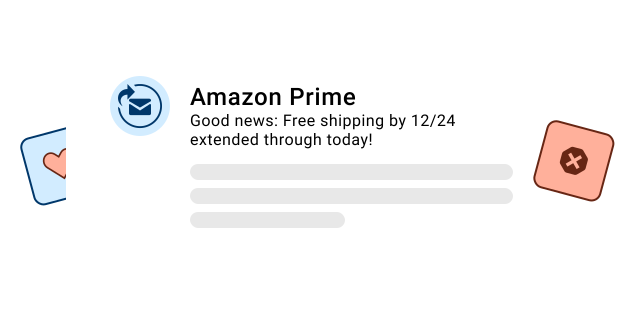
Why spam still reaches BT Mail inboxes
Spammers constantly change tactics and often look legitimate. Provider filters must balance false positives, so some junk slips through.
A dedicated filter adds another layer, removing unwanted mail from your mailbox quickly so your BT Mail inbox stays cleaner.
Common in the UK for BT broadband households using btinternet.com, btopenworld.com, and related legacy addresses.

How Spamdrain works with BT Mail
Connect once and keep using your favorite apps.
Connect your mailbox
Add Spamdrain in minutes. No address change needed.
We analyze incoming mail
Spamdrain checks newsletters, graymail, phishing, and spoofing before delivery.
Junk is quarantined
Suspected spam is held back so your inbox stays clean.
You stay in control
Review reports, allow senders, and fine-tune filtering anytime.
お客様の声

データのプライバシーは維持されます
お客様には少額の料金を支払っていただくので、他の多くの会社とは異なり、弊社はお客様のデータを第三者に売る必要はありません。代わりに、世界最高のスパムフィルタリングを提供することに全力を注ぐことができます。
よくある質問
Take control of your BT Mail inbox
Start your free trial and let Spamdrain clean up the clutter.