Spam filter for iCloud Mail inbox - stop junk mail effectively
Clean up your iCloud Mail inbox on iPhone, Android, Outlook, and webmail — no email address change needed.
Also known as @me.com, @mac.com.
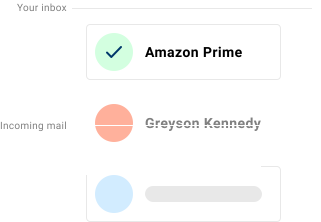
If your iCloud Mail inbox is filling up with junk mail, phishing attempts, and unwanted marketing email, Spamdrain adds an extra filtering layer and removes unwanted messages quickly as they arrive.
iCloud Mail includes basic spam filtering, but many users still receive newsletters, graymail, and phishing mixed into the inbox. Spamdrain filters the noise and learns quickly from your feedback.
iCloud Mail usually follows one Apple identity across iPhone, Mac, iPad, and web access. Spamdrain adds mailbox-level filtering so fake Apple notices and noisy receipts are handled before they interrupt that Apple-centric workflow.
We stop junk email and spam
Spamdrain focuses on the types of email that most often slip through built-in filters:
- Junk newsletters and promotions
- Phishing attempts and spoofed senders
- Graymail that clutters your inbox
- Malicious links and attachments
Common iCloud Mail inbox issues
- Apple ID lookalike alerts about storage, trusted devices, or locked accounts
- App Store invoice phishing and subscription-renewal bait
- calendar-share, photo-share, and verification tricks that mimic Apple services
- retail and app promotions mixed into personal, family, and device mail
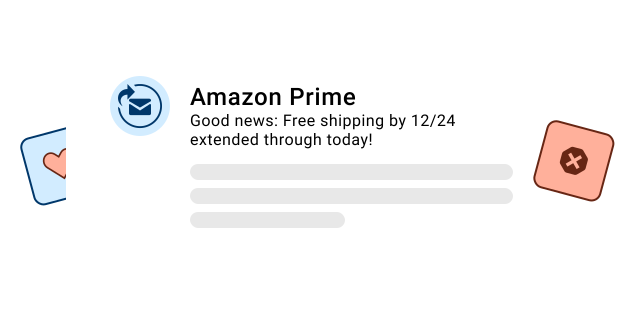
Why spam still reaches iCloud Mail inboxes
Spammers constantly change tactics and often look legitimate. Provider filters must balance false positives, so some junk slips through.
A dedicated filter adds another layer, removing unwanted mail from your mailbox quickly so your iCloud Mail inbox stays cleaner.
Common among Apple users with @icloud.com, @me.com, and @mac.com addresses that sync through Mail, iCloud.com, and third-party IMAP clients.

How Spamdrain works with iCloud Mail
Connect once and keep using your favorite apps.
Connect your mailbox
Add Spamdrain in minutes. No address change needed.
We analyze incoming mail
Spamdrain checks newsletters, graymail, phishing, and spoofing before delivery.
Junk is quarantined
Suspected spam is held back so your inbox stays clean.
You stay in control
Review reports, allow senders, and fine-tune filtering anytime.
What Customers Are Saying

Your data remains private
You pay us a small fee so we never need to sell your data to anyone (unlike many others). We instead focus entirely on providing you with the best spam filtering in the world.
FAQ
Take control of your iCloud Mail inbox
Start your free trial and let Spamdrain clean up the clutter.