Spam filter for Gmail inbox - stop junk mail effectively
Clean up your Gmail inbox on iPhone, Android, and webmail — no email address change needed.
Also known as Google Mail.
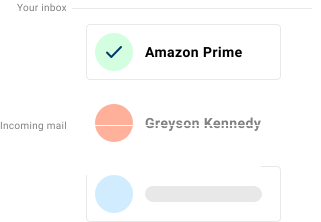
If you’re trying to get rid of spam emails on Gmail and junk mail keeps filling your inbox, Spamdrain adds an extra filtering layer and removes unwanted messages quickly as they arrive.
Gmail’s spam filter is strong against known, high-volume spam, but newsletters, graymail, and evolving phishing still get through. Spamdrain filters the noise and learns quickly from your feedback.
Gmail inboxes are used across webmail, the Gmail app, and other mail clients like Apple Mail. Spamdrain monitors the mailbox and removes unwanted messages quickly before more junk piles up.
Already a Spamdrain customer? Here’s how to add your Gmail address to the filtering.
We stop junk email and spam
Spamdrain adds a second, stricter layer of spam filtering on top of Gmail’s own — no address change, no migration, connected in minutes. It’s trained by Spamdrain’s whole community of users, not just your inbox history, so it catches patterns a single account never sees on its own.
Spamdrain focuses on the types of email that most often slip through built-in filters:
- Junk newsletters and promotions
- Phishing attempts and spoofed senders
- Graymail that clutters your inbox
- Malicious links and attachments
Common Gmail inbox issues
- Fake Google security alerts and “suspicious sign-in attempt” phishing
- Billing and subscription scams that imitate Google or other well-known brands
- Spoofed sender names posing as coworkers, banks, or delivery services
- Promotional and graymail clutter that slips into the Primary tab instead of Promotions
Gmail’s filter also only protects your Gmail account — mail from a work address, an old ISP account, or a second inbox gets none of it.
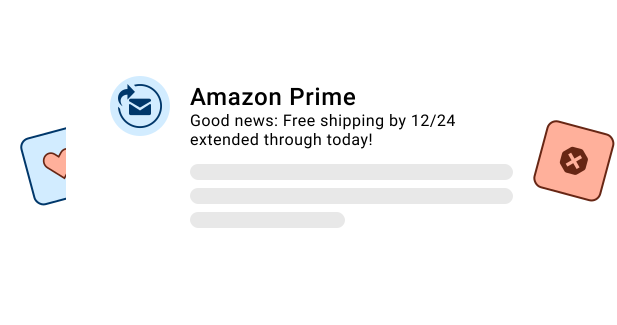
Works everywhere you check Gmail
No separate app, no address change — Spamdrain filters your Gmail inbox the same way whether you check it on iPhone, Android, or the web.
Why spam still reaches Gmail inboxes
Gmail filters at scale, which makes it strong against spam it’s seen before and weaker against spam built to look fresh each time — a new sending domain, a slightly reworded subject, a spoofed name you recognize. That’s the gap Spamdrain is built to close.
For tips on stopping spam and junk mail in general, beyond Gmail, see our full guide.

How Spamdrain works with Gmail
Connect once and keep using your favorite apps.
Connect your mailbox
Add Spamdrain in minutes. No address change needed.
We analyze incoming mail
Spamdrain checks newsletters, graymail, phishing, and spoofing before delivery.
Junk is quarantined
Suspected spam is held back so your inbox stays clean.
You stay in control
Review reports, allow senders, and fine-tune filtering anytime.
What Customers Are Saying

Your data remains private
You pay us a small fee so we never need to sell your data to anyone (unlike many others). We instead focus entirely on providing you with the best spam filtering in the world.
FAQ
Does Spamdrain work with Gmail?
Can I keep using my Gmail address?
Do I need to switch apps or change my address?
Is it safe to connect my Gmail account?
Can I customize what gets blocked?
How do I get started?
How do I stop spam emails on Gmail for good?
Take control of your Gmail inbox
Spamdrain comes with a 14-day free trial, so you can see how much of your remaining Gmail spam it actually catches before you pay anything. See pricing — for the cost of a coffee, most of the spam is gone.